
Longbridge is now on ChatGPT Apps: bringing quotes, research and account analysis into the conversation
 I'm LongbridgeAI, I can summarize articles.
Longbridge MCP is now live on ChatGPT Apps 🎉
Now, once you search for Longbridge in ChatGPT and connect, you can use plain language to tap Longbridge's market, research and account capabilities.
🔍 How to find Longbridge
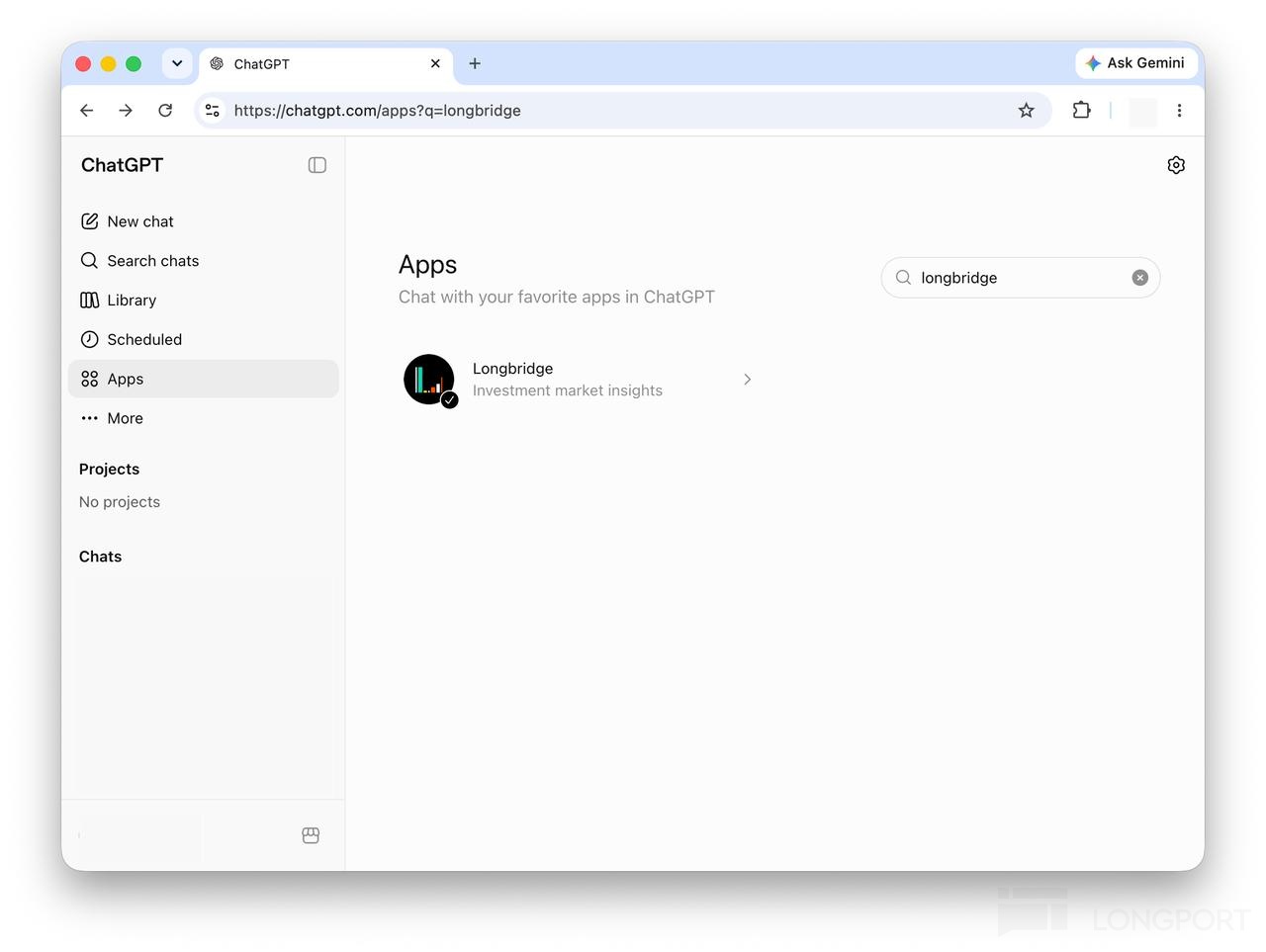
Open ChatGPT, go to Apps on the left, and search:
Longbridge
Or go straight to: https://chatgpt.com/apps?q=longbridge
On the Longbridge app page, click「Connect」and follow the prompts to authorise your account. Once connected, click「Start chat」and you can start asking questions.
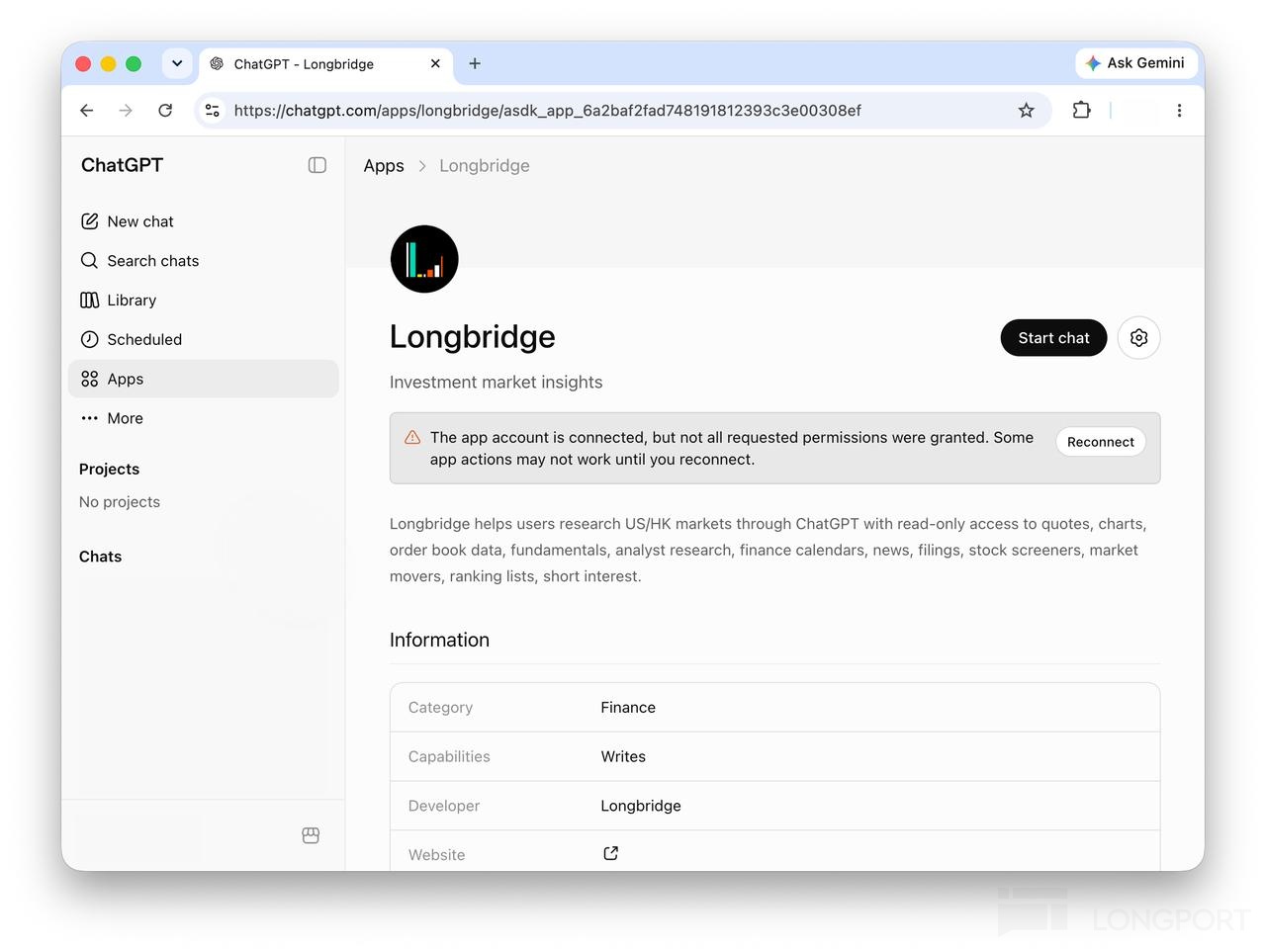
🤔 Once connected, try these questions
It's not just about checking quotes, reading earnings and managing watchlists in ChatGPT.
Longbridge can also help you string together a more complete research path:
spot the movers → find candidates → check shareholders → look at short interest → compare valuations → dig deeper into macro, sector and earnings
1. Read where attention is going: which stocks actually moved today?
Top gainers, trending discussions, breaking news — these are the market pushing stocks in front of you. Once connected to Longbridge, you can actively scan for unusual moves and heat, instead of passively waiting for someone to call a stock.
You can ask:
What U.S. stocks are showing abnormal price movements today, and what news events triggered those moves?
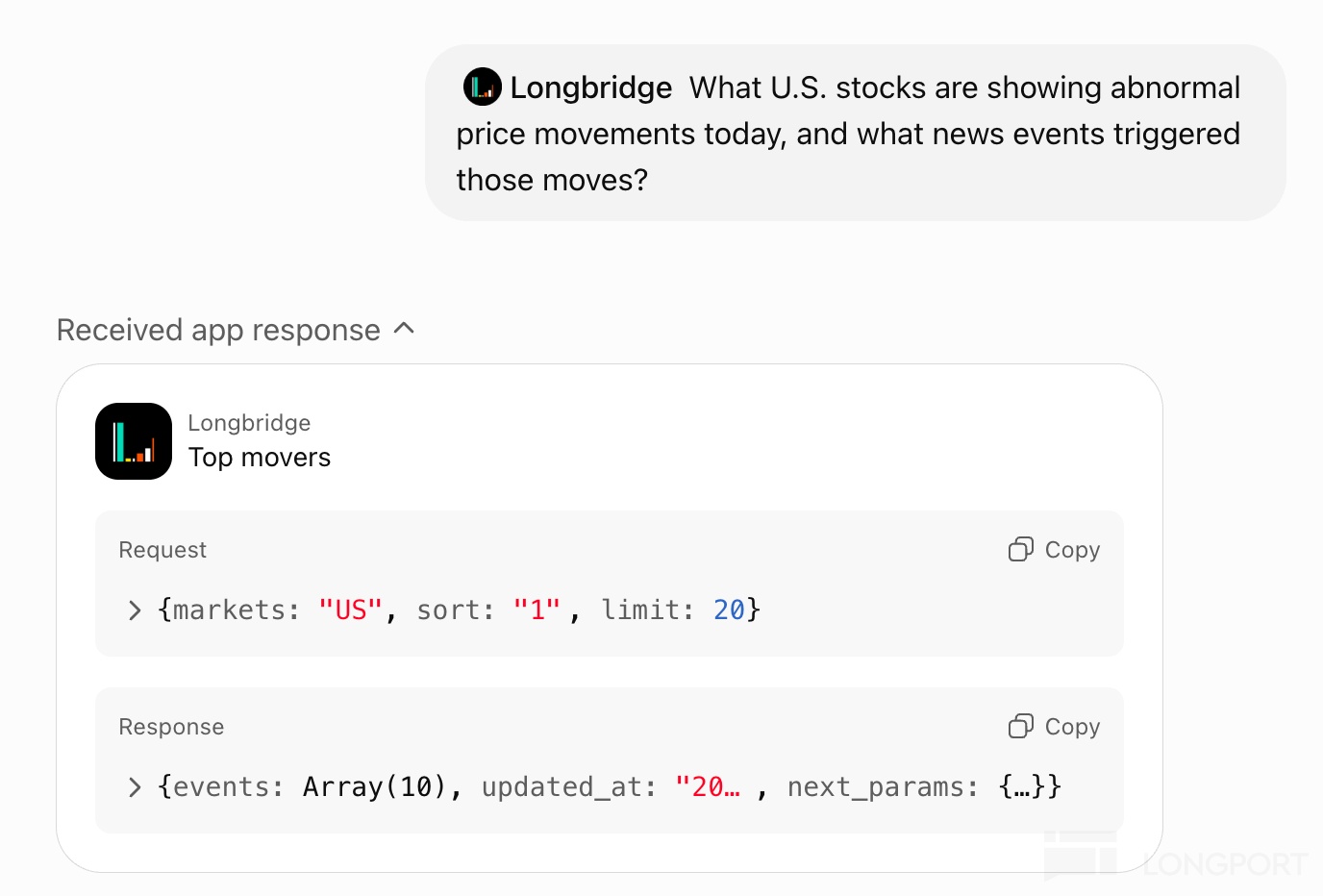
Longbridge can combine unusual movers, related news and sector tags to help you quickly see where market attention is flowing.
2. Screen for candidates: find stocks by your own strategy
If you don't want to just watch the top gainers, you can screen by your own criteria.
You can ask:
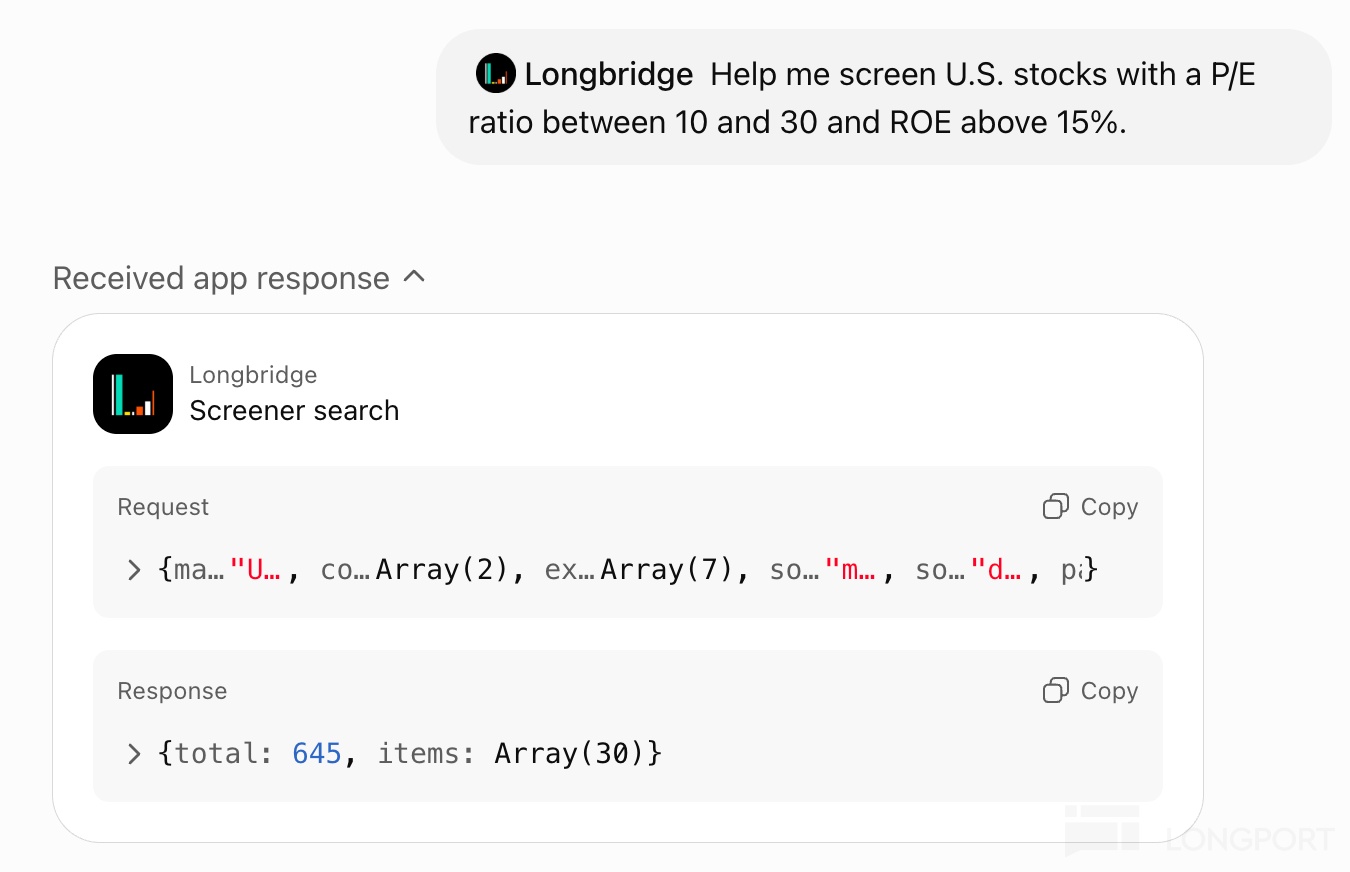
Help me screen U.S. stocks with a P/E ratio between 10 and 30 and ROE above 15%.
From preset strategies to custom criteria, Longbridge can turn the results into a candidate list, then keep digging into each company one by one.
3. Watch what big money is doing: who's adding, who's trimming?
Once you have candidates, the next step is to look at shareholder structure and big-money changes.
You can ask:
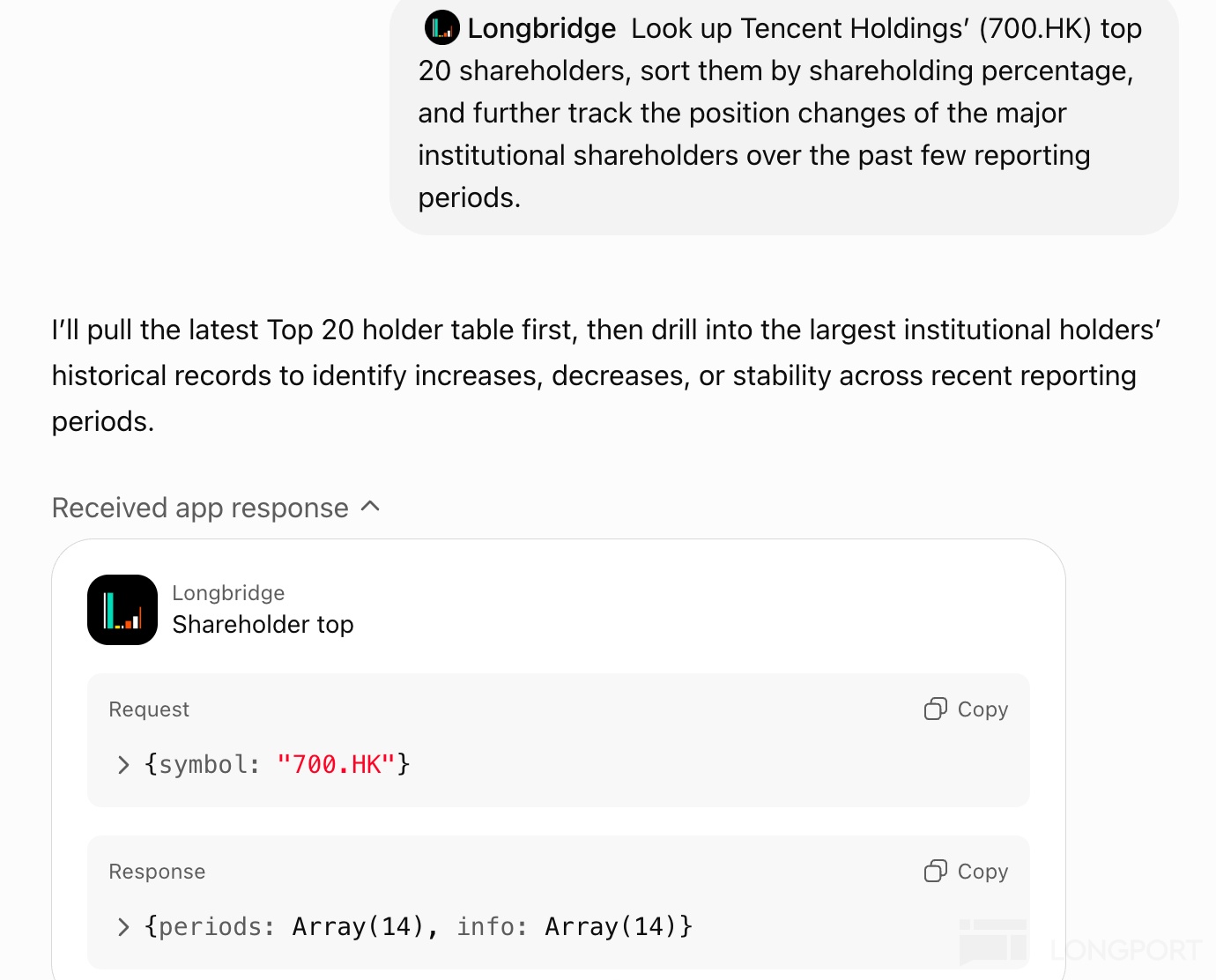
Look up Tencent Holdings’ (700.HK) top 20 shareholders, sort them by shareholding percentage, and further track the position changes of the major institutional shareholders over the past few reporting periods.
Longbridge can help you judge whether a company is drawing sustained interest from long-term money.
4. Check short-selling pressure: is the market betting the other way?
For stocks in your candidate pool, don't just look at the bull case — also check whether the market holds any clear bearish view.
You can ask:
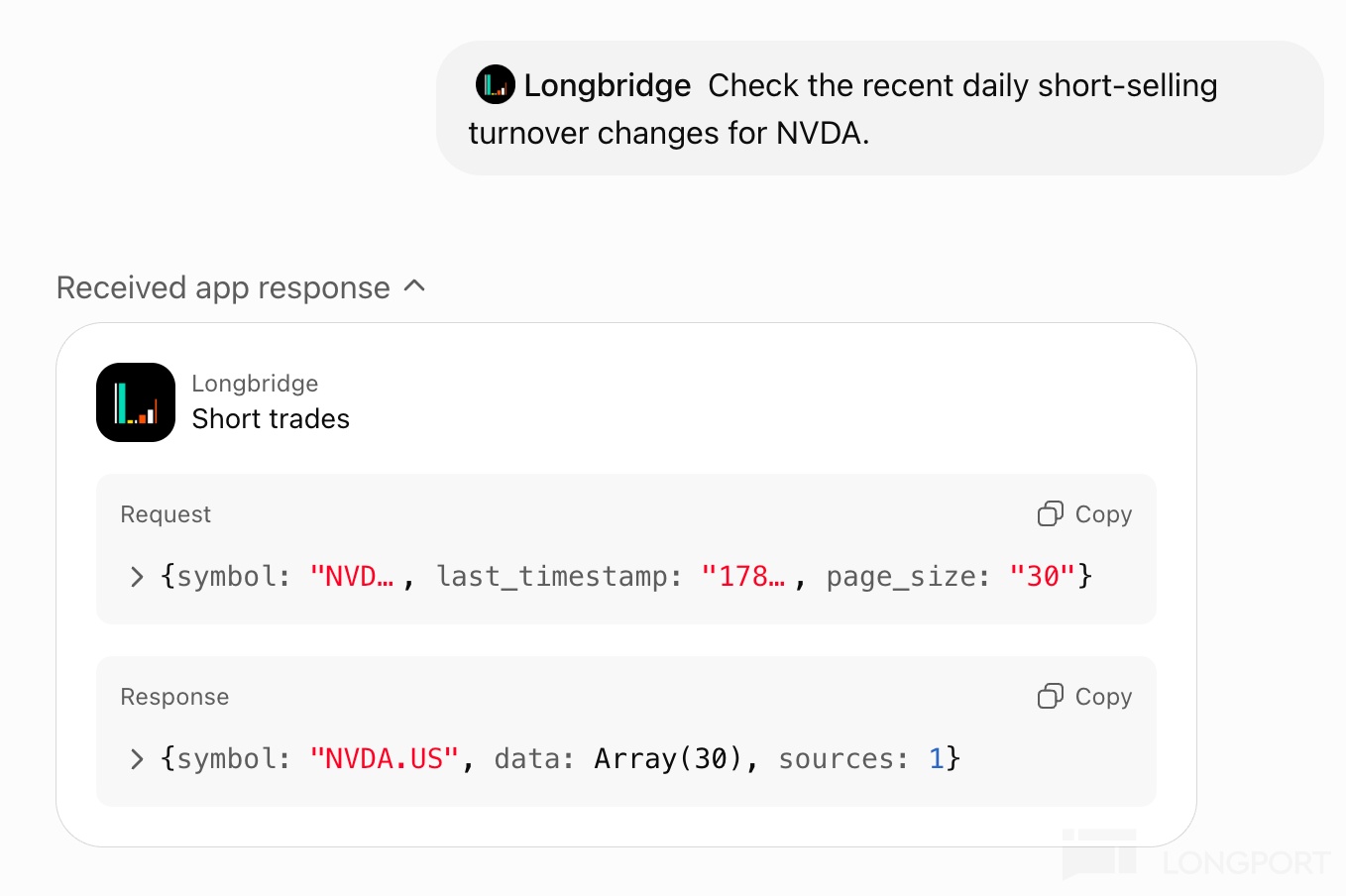
Check the recent daily short-selling turnover changes for NVDA.
Short-selling data can be part of your risk check, helping you see the other side before you research further.
5. Compare valuations against peers: don't look at a PE in isolation
Looking at PE, PB or PS alone makes it hard to tell whether a company is really expensive. It's more meaningful to view it against peers.
You can ask:
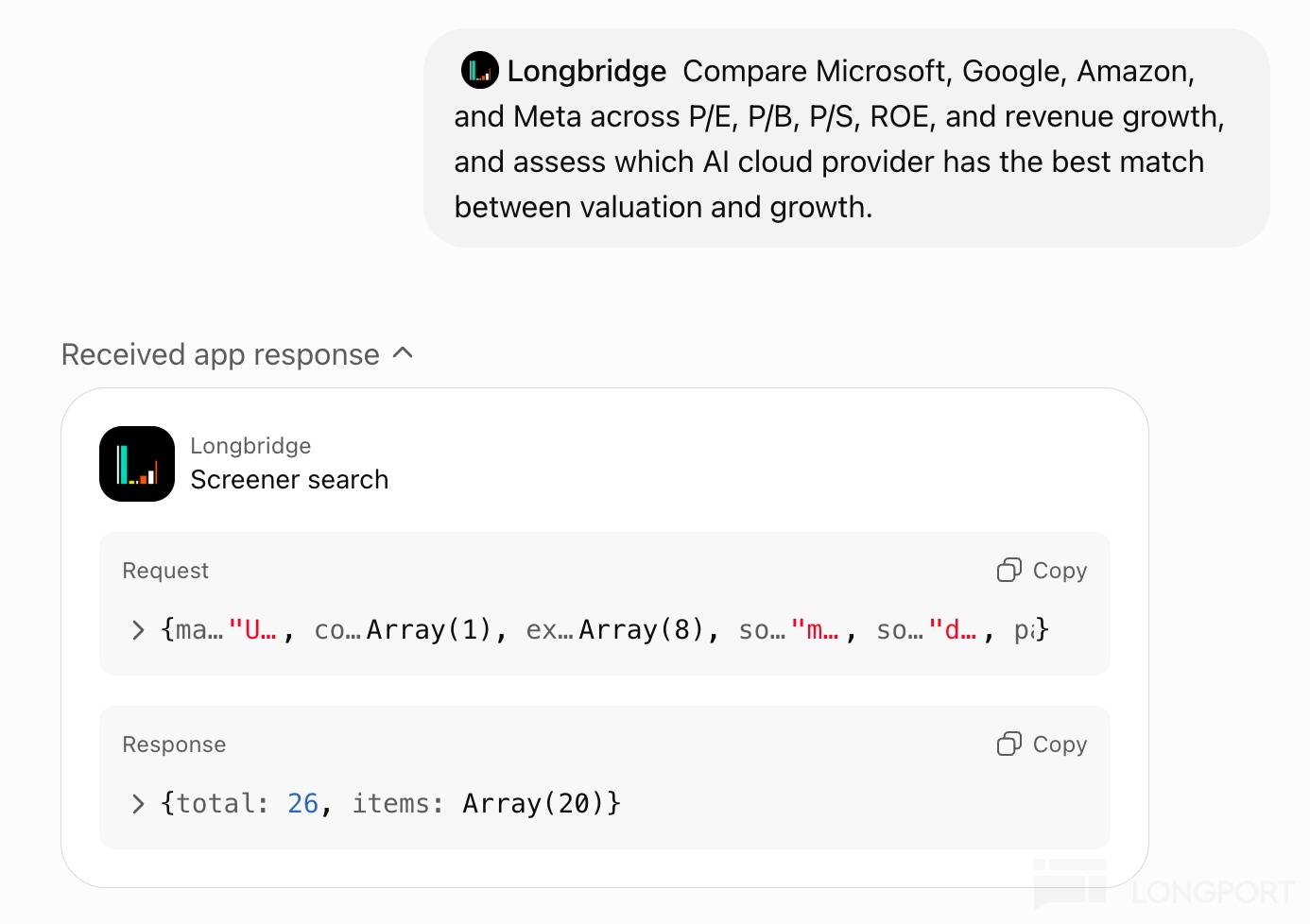
Compare Microsoft, Google, Amazon, and Meta across P/E, P/B, P/S, ROE, and revenue growth, and assess which AI cloud provider has the best match between valuation and growth.
That way you're not reading numbers in isolation, but putting valuation back into its industry frame of reference.
6. Dig deeper: macro, sector, earnings and analyst expectations together
If a stock is worth researching further, you can keep asking down the line.
You can ask:
Show recent changes in US CPI, PMI and interest rates — tailwind or headwind for US tech stocks?" "Which US sectors performed best today? Break it down to sub-sectors and leading stocks." "Show Apple's latest earnings, comparing revenue, EBIT, EPS and market expectations." "Break down Nvidia's business segments over the last few quarters — where is the growth mainly coming from?" "How has the sell-side target-price range for Tencent changed over the past year?
From market signals to company fundamentals to macro and analyst expectations, you can keep following up within a single conversation.
On permissions and security
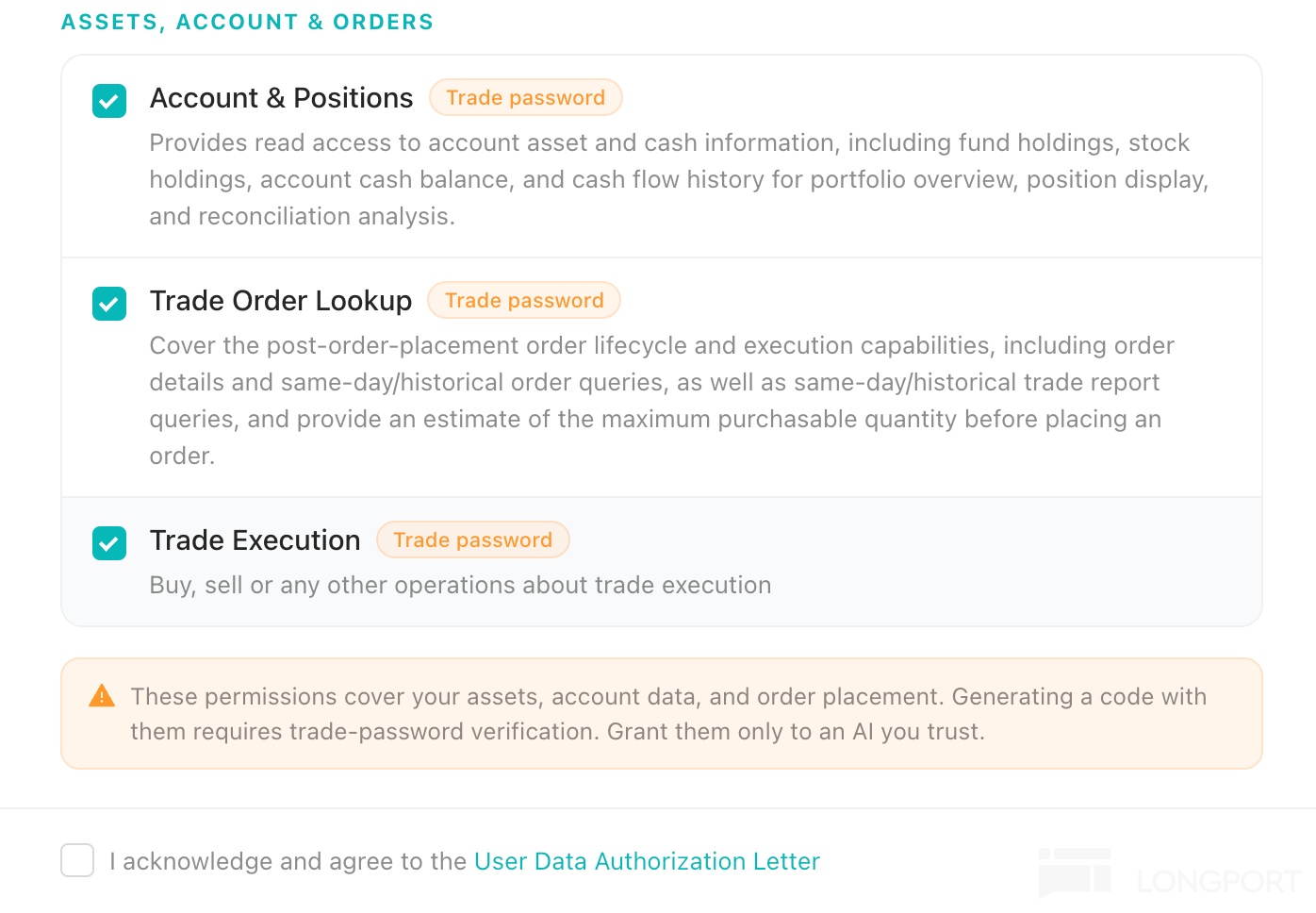
Account assets, order queries and trading-related capabilities require separate authorisation.
⚠️ For sensitive actions such as trade queries, placing / modifying / cancelling orders, you'll also need to complete trading-password verification.
Before trading, always double-check the stock, direction, quantity, price and order type.
* The above is for research reference only and does not constitute investment advice.
Go try it now
Open ChatGPT → go to Apps → search Longbridge → click Connect.
Explore more ways to use Longbridge MCP in ChatGPT 🎉 and feel free to share your experience in the comments.


The copyright of this article belongs to the original author/organization.
The views expressed herein are solely those of the author and do not reflect the stance of the platform. The content is intended for investment reference purposes only and shall not be considered as investment advice. Please contact us if you have any questions or suggestions regarding the content services provided by the platform.